
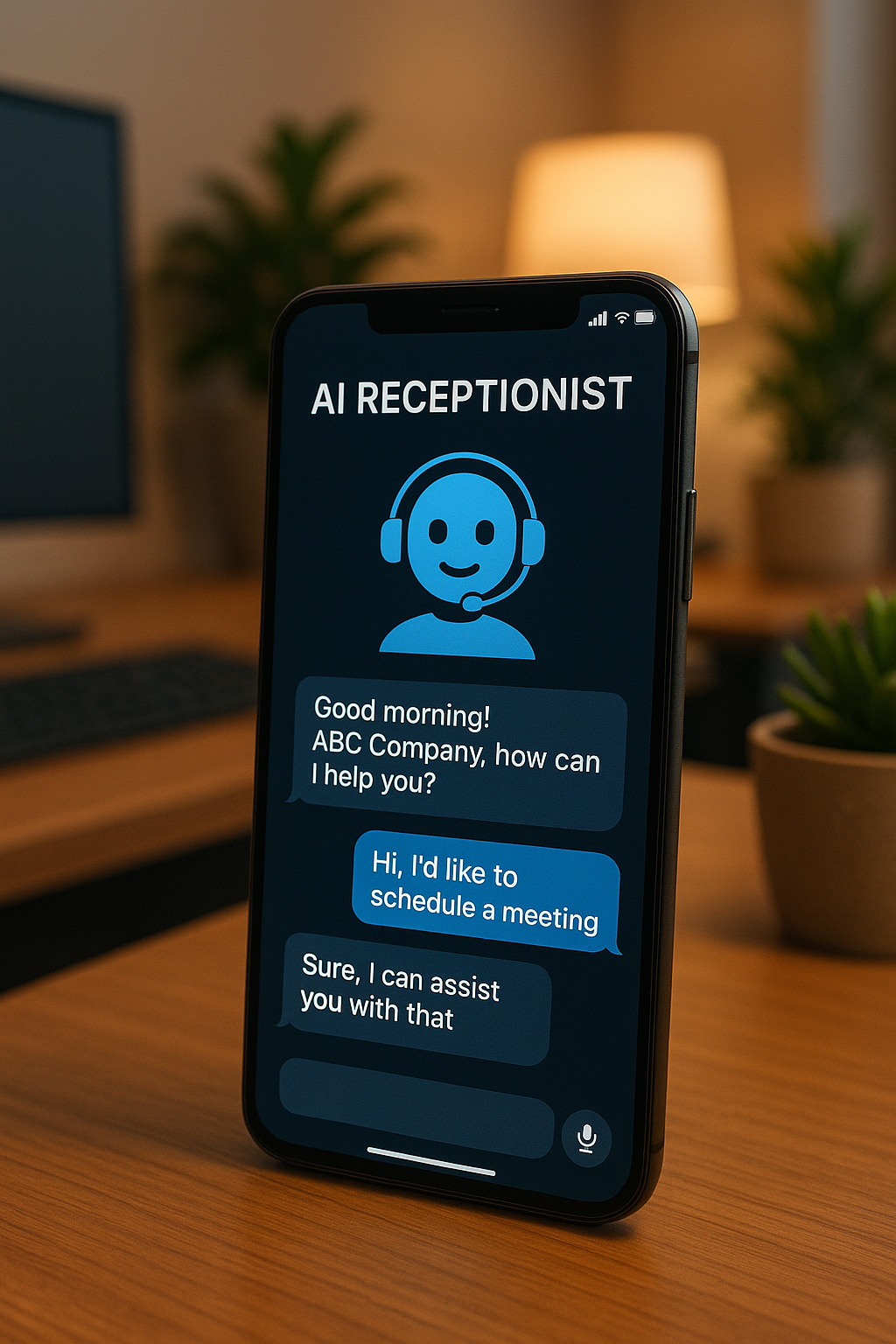
Google quietly confirmed something big: when people search or use Maps, Google can now call local businesses on the customer’s behalf to check price and availability, confirm hours or wait times, and even book appointments—automatically.
Love it or hate it, that’s the direction. And it validates what we’ve been building for clients for the last year: AI reception that does real work.
Here’s my straight take on what this means—and what Big Tech still won’t do (yet) that your business can.
First, what changed (in plain English)
- Google’s assistant can place automated calls to your business for specific tasks: price checks, inventory/availability, restaurant wait times, appointment booking, and “is this in stock?”
- Calls are monitored/recorded for quality; stores can opt out in their Business Profile settings.
- As of now, it’s limited by region/language and rolling out with guardrails (so not every query triggers a call).
Net: AI is moving from “summarize the web” to “do the errand.”
Where this shows up in Google Search/Maps
When someone searches for a local service or product and taps prompts like “Check availability,” “Call for price,” or a similar action in Search/Maps, Google’s AI places the call on the user’s behalf. It identifies itself as an automated call from Google, asks the specific questions tied to that query (price, in‑stock status, hours/wait times, basic booking), and then returns the answers inside Search/Maps so the user doesn’t have to call themselves. In short: it’s AI calling for users who have expressed intent for your services, originating directly from the Search results or your Maps listing.
Why this matters (beyond the headline)
Consumers are learning—fast—that it’s normal for an AI to make the call. Once that trust line is crossed, the real question isn’t “Will people accept AI on the phone?” They already do. The question is: who owns the experience—Google or you?
If you wait for a platform to solve this perfectly, you’ll get the safe, limited version. If you build your own AI receptionist now, you control the script, the calendar, the follow‑ups, and the outcome.
Where Big Tech still plays it safe (and where you can sprint)
- Narrow categories. Google prioritizes a few high‑volume use cases (booking, wait times, price/availability). You can cover your full catalog/services and the “weird” questions your customers actually ask.
- Shallow comparison. A single call confirms “yes/no.” You can have your AI call 3–5 vendors (or locations) to fetch exact SKUs, sizes, colors, dates, fees, and out‑the‑door prices, then present a clean comparison.
- Limited follow‑ups. Platforms avoid persistent outreach. Your AI can re‑ping for quotes, call‑backs, holds, and re‑stocks.
- One‑size tone. You can train your agent on your policies, upsells, and brand voice.
What a useful AI receptionist should do (today)
- Call, text, or web‑chat multiple sources automatically—based on the user’s intent and your service radius.
- Ask the right category questions: price, in‑stock variants, turnaround times, warranties, deposits, return policy.
- Normalize answers into an apples‑to‑apples table.
- Book or reserve with your real calendar and rules (buffers, durations, service areas).
- Follow up on quotes/no‑shows and “call me back” requests.
- Handover cleanly to a human for edge cases—with full transcript.
- Track the only metrics that matter: answer rate, handover rate, and booked‑per‑100 conversations.
The playbook we deploy for clients
- Define the one job: “Book qualified appointments” or “Close the loop on price/availability.”
- Feed the brain: FAQs, price ranges, SKU lists, service areas, policies, tone.
- Script the first 30 seconds: Warm, confident, options‑based opener.
- Guardrails: Emergency keywords, VIPs, or confusion → instant human handoff.
- Calendar + rules: Two‑way sync, service durations, buffers, rescheduling.
- Follow‑ups: Missed calls → instant text; quotes → 1h/24h/3‑day nudges; no‑shows → re‑book links.
- Tighten fast: Review 10 transcripts/day for a week; patch gaps; compress long answers.
Turn AI Into Your Revenue Desk (Inbound + Outbound)
Google’s AI helps shoppers confirm basics. Your AI receptionist should help your business create demand, capture demand, and convert demand—end to end.
Here’s how our AI receptionist works for B2B owners:
Inbound (net new + hand-raisers)
- Instant coverage on phone, SMS, and chat: qualify by ICP, budget, timeline, and use case.
- Calendar-aware booking with your reps (round-robin, territories, buffers, no-show protection).
- Missed-call text back in <60s with smart branch logic (demo, pricing, technical questions).
- Knowledge-base answers in your brand voice (pricing ranges, SLAs, implementation steps, security/DPAs).
Warm Outbound (pipeline acceleration)
- Quote + proposal follow-ups via email/SMS/phone until a clear yes/no is captured.
- Re-activation of dormant customers with personalized nudges + meeting links.
- Event/webinar leads: post-event outreach, resource delivery, and meeting setting.
- Renewal/cross-sell sequences for existing accounts.
Cold Outbound (polite, compliant, targeted)
- Multi-channel cadences (email → SMS → phone) aligned to consent + local regulations.
- Voicemail + email variants tested for reply/booking rate.
- Intent signals (site visits, asset downloads) trigger timely calls/texts.
- Live handoff to your SDR/AE when buying signals appear.
Control & visibility
- Lead scoring + routing rules (industry, company size, product interest).
- Full transcripts, outcomes, and attribution back to CRM.
- Clear guardrails: VIP routes, banned phrases, escalation paths.
Want us to plug this in for you? Comment “Automate” and I’ll send the feature list + a quick audit of your inbound and outbound flows.
Bottom line
Google automating calls is the tipping point. The market is being trained to expect an AI receptionist that gets real answers—fast. Big Tech will keep it conservative. That’s your opening.
Own the experience now and you’ll convert faster, waste less time, and stop leaking money to voicemail. If you want the feature list we provide (scripts + workflows + follow‑ups), I’ll send the exact setup we deploy for clients today.

Leave a Reply